First Steps – Blog 4
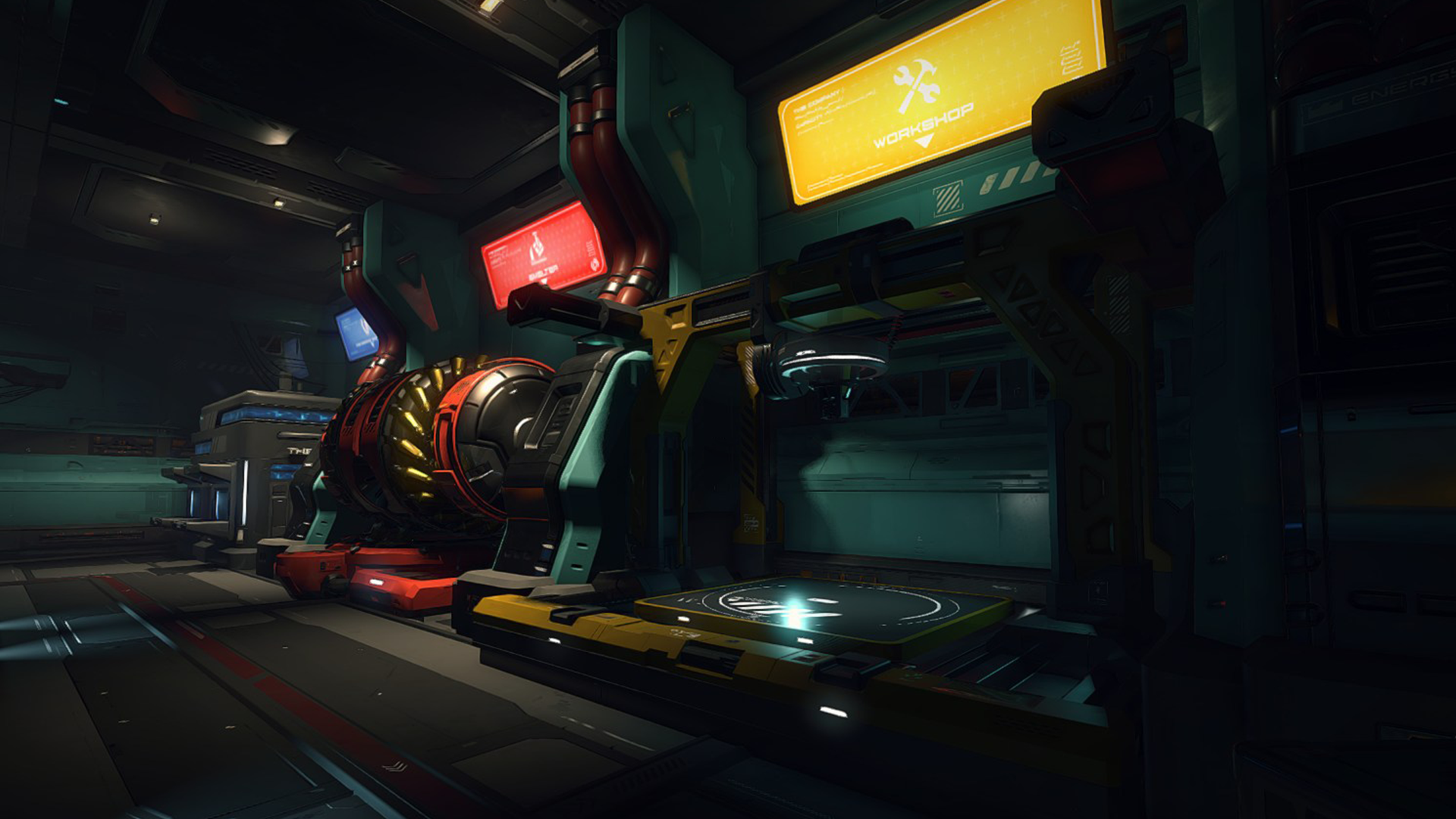
Greetings Pioneers,Last time, we unlocked our first permit, crafted the Scanalyzer Alpha, and got a glimpse of the production side of SpaceCraft. Now, it’s time to install our newly crafted tool and make our ship a little more capable.We’re back at the Shipyard and interact with the main console. After selecting Scrappy Pioneer, our starting ship, we access the ship editor. Left: in-game screenshot of the Shipyard. Right: Concept art of the Shipyard.Most of the time, we’ll be editing a ship that’s already docked at the same station we’re at, as it’s not possible to modify ships remotely from other stations. We have a limit on how many ships we can own, which will expand as we progress in the game. Right now, the cap is set at two ships, but the long-term goal is to allow fleets of around ten vessels, the amount could change as development continues and player feedback is gathered. Even then, you’ll only ever pilot one ship at a time. There’s no system planned for managing an entire fleet directly. We’re currently thinking of implementing a feature that would enable you to move ships between bases and stations to relocate them as needed, without piloting them. But that’s just an idea at this point. Left: In-game screenshot of the work in progress Shipyard interface. Right: Mock-up of the Shipyard interface.At the top of the interface, we have three main tabs:Tools – manage installed modules and tools (where we are now).Assembly – modify the ship’s structure by adding, moving or removing blocks, engines, wings, or the cockpit.Customization – personalize the ship’s colors, decals, and eventually full skins.For now, only the Tools tab is available. Assembly and Customization are unlocked later through permit progression, once we are ready to handle deeper ship modification.Each part of the ship influences its stats:Assembly is like setting your character’s attributes in a classic RPG, determining health, speed, and module capacity.Tools are closer to equipping gear, adding active skills or passive bonuses like improved heat resistance, larger cargo holds, or better energy generation.On the left side of the screen, we see our ship’s current modules: a Crude Resource Detector, a Crude Mining Laser, two Small Solar Panels, two Headlights, and a Crude Battery. All of these can eventually be upgraded.In-game screenshot of the work in progress Shipyard interface.Below that, we see the list of skills provided by our modules, right now, mining and radar detection.Our freshly crafted Scanalyzer Alpha is waiting in our inventory. We simply drag and drop it onto the ship’s hull. You can attach tools almost anywhere on the hull, giving you freedom to shape your ship’s functionality and look.We can also move existing modules around or even remove them if needed, though with a starter ship like the Scrappy Pioneer, we recommend keeping everything installed to maintain basic functionality.On the right side of the screen, we find key ship stats, including:System Support – the ship’s built-in capacity to handle modules.System Requirement – the total load from installed modules.As long as our system requirement stays below the system support, the ship runs at full efficiency. Exceeding it causes modules to work less effectively and even malfunction. Fortunately, we have enough system support left to install the Scanalyzer without any trouble.Once everything is in place, we confirm our modifications, and just like that, our spacecraft is now equipped to scan unknown resource nodes!Shipyard concept art, showcases different ship sizes.Next time, we’ll put the Scanalyzer Alpha to good use as we continue our journey through the tutorial with some new assignments. Until then, safe travels, Pioneers.
Go to Source| Author: